disperf
disperf: create, manage connections and testing for telematic concerts
This project is maintained by dispersionlab
Installation
Requirements:
- OSX (Works on Windows though not all features supported)
- Max/MSP 8
You can download Disperf as a release package from here
Or you can clone it from our repository: git clone https://github.com/dispersionlab/disperf
- Open the Max/MSP patch named _disperf.maxpat
-
In the menubar, navigate to System > Install Disperf which will install the dependencies for Disperf. This may take a while, but you can observe the progress by watching the three system status windows. Each will turn blue one at a time during the install:
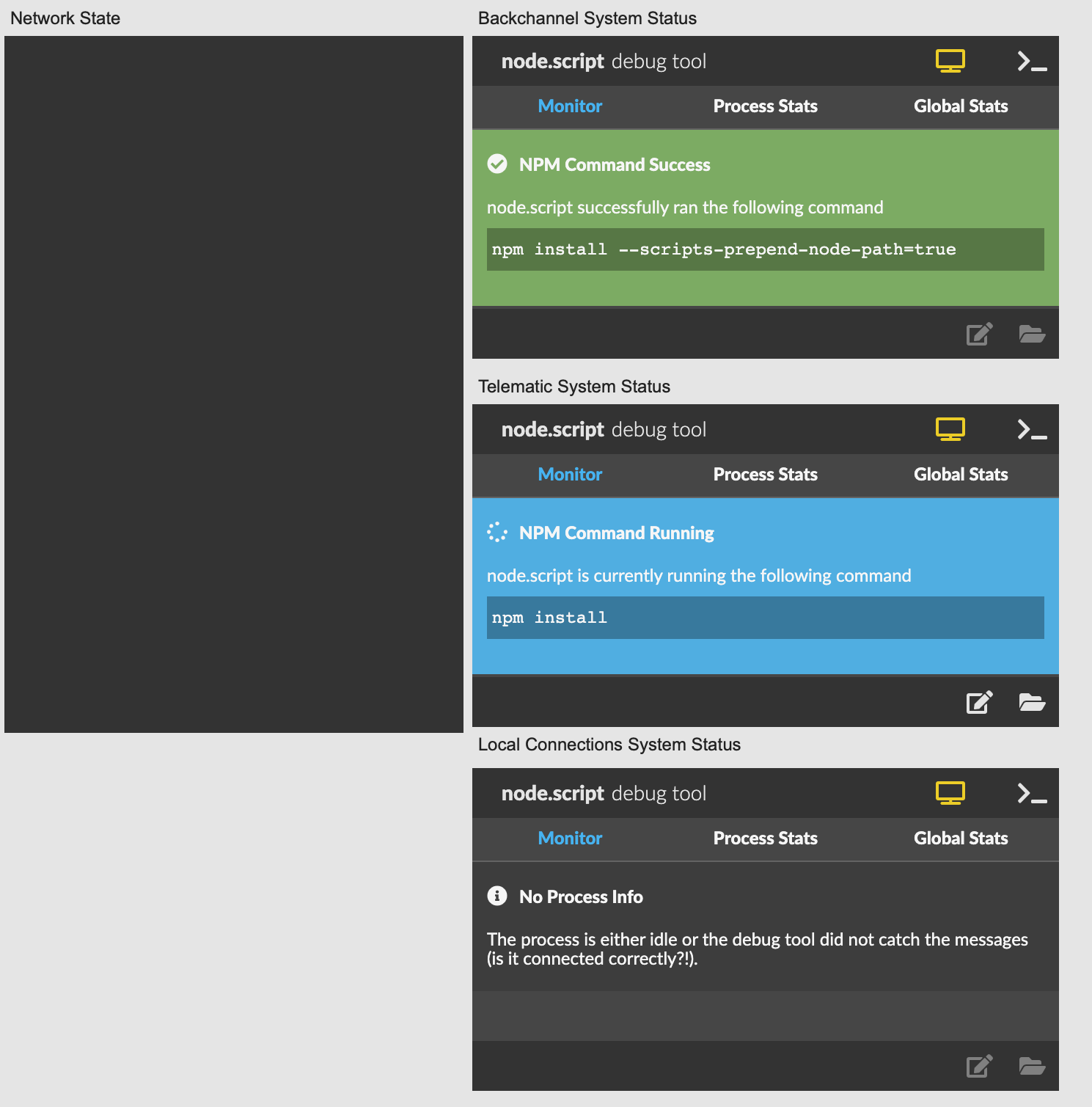
-
Once all three have turned green the installation is completed:
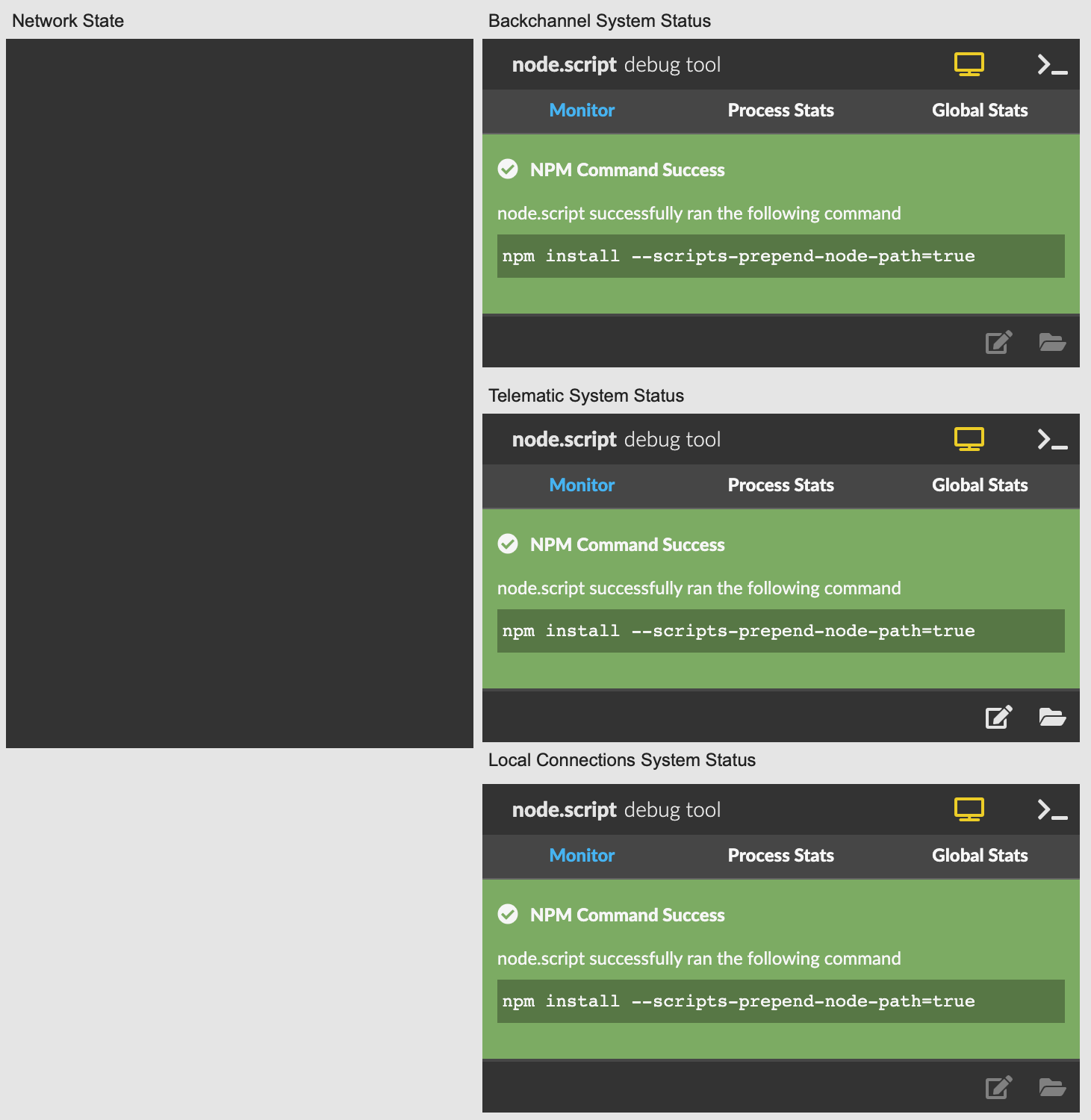
- Close the _disperf.maxpat for now.
- Install iperf3 using this guide
- Install Jack (you’ll need to find the right one for your system), but this might help
- Install JackTrip using this guide for OSX or this guide for Windows
- Restart your machine
- Start _disperf.maxpat and return to the homepage of this manual for other menu items.